
6 - F2 Fourier transform
To transform the echo and antiecho files from time-domain to frequency-domain, we start performing F2 Fourier transforms.
(1) We recall the three echo files by selecting the menu items:
Data/echo
(2) We perform F2 Fourier transform of the echo files by selecting the menu items:
Process/Transform/Complex Fourier
(3) We click on the spectrum appearing above the 2D map. A window with title echo -> Frequency Data: Slice #1 appears.
(4) To phase this spectrum, we select the menu items:
Process/Phase/Phase Window
The Phase Dialog window appears:
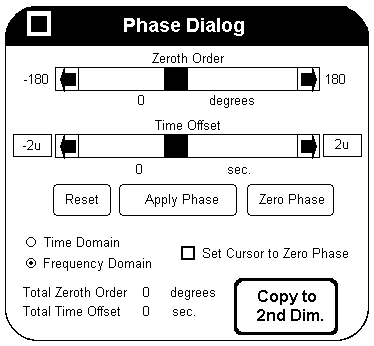
(5) We perform the zero-order phase correction
as usual using the slider. To save the numerical
values, we click first on the Apply Phase button, then
on the Copy to 2nd Dim button. Finally, we close the window
by clicking on the square at the top left corner.
We also close the echo -> Frequency Data: Slice #1 window.
(6) We apply the phase correction to all the echo files by selecting the menu items:
Process/Phase/Phase Correct
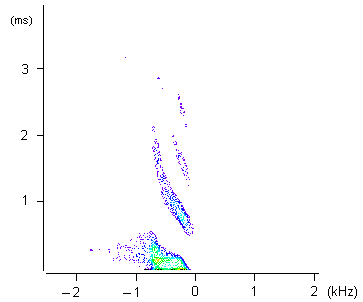
Figure 1
Intensity plot of the unsheared 2D echo map:
The horizontal axis is labeled in frequency unit.
The vertical axis is labeled in time unit.
We repeat the above procedure with the anti-echo files.
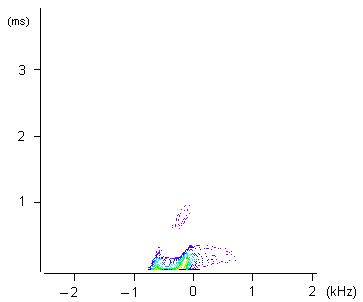
Figure 2
Intensity plot of the unsheared 2D anti-echo map:
The horizontal axis is labeled in frequency unit.
The vertical axis is labeled in time unit.