
We present, for WINDOWS-based computers, the instructions to
-install folders (Step 1),
-download Java files of applet source codes (Step 2),
-compile Java files (Step 3).
We have made use of ORACLE's Java Development Kit JDK 10. As a result, the various xxx.java files of an applet, downloaded in Step 2, can be compiled with this software in Step 3.
Download JDK10
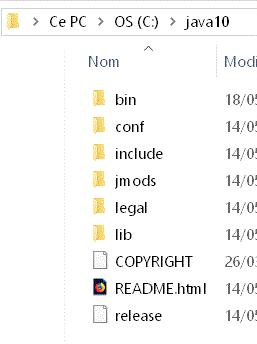
Once this software has been downloaded, we create a folder labeled java10 in C:\, in which the setup program will install the software.