
Step 3: Compile *.java files
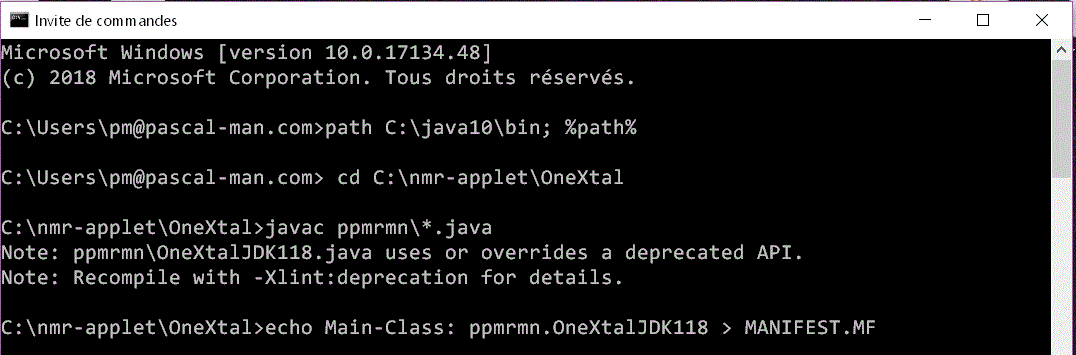
(1) We open a DOS window.
(2) We set path to include JDK10's bin, which is the directory of Java compiler (javac):
C:\Users\pm@pascal-man.com> path C:\java10\bin; %path%
(3) We change the directory to that of OneXtal folder:
C:\Users\pm@pascal-man.com> cd C:\nmr-applet\OneXtal
(4) We compile all the *.java files contained in the ppmrmn folder:
C:\nmr-applet\OneXtal>javac ppmrmn\*.java
In the ppmrmn folder of the OneXtal folder, seventeen new files
with class extension are generated by JDK10:
OneXtalJDK118.class,
OneXtalJDK118$1.class, OneXtalJDK118$2.class, OneXtalJDK118$3.class,
OneXtalJDK118$4.class, OneXtalJDK118$5.class, OneXtalJDK118$6.class,
Graph.class, Graph$$1.class, Graph$Dataset.class, Graph$Point.class,
ComplexMat.class, RealMat.class, Nmr.class, Jacobi.class,
ListGentle.class, Node.class.
(5) We create a MANIFEST.MF file in the OneXtal folder:
C:\nmr-applet\OneXtal>echo Main-Class: ppmrmn.OneXtalJDK118 > MANIFEST.MF
The MANIFEST.MF file contains a single line:
Main-Class: ppmrmn.OneXtalJDK118
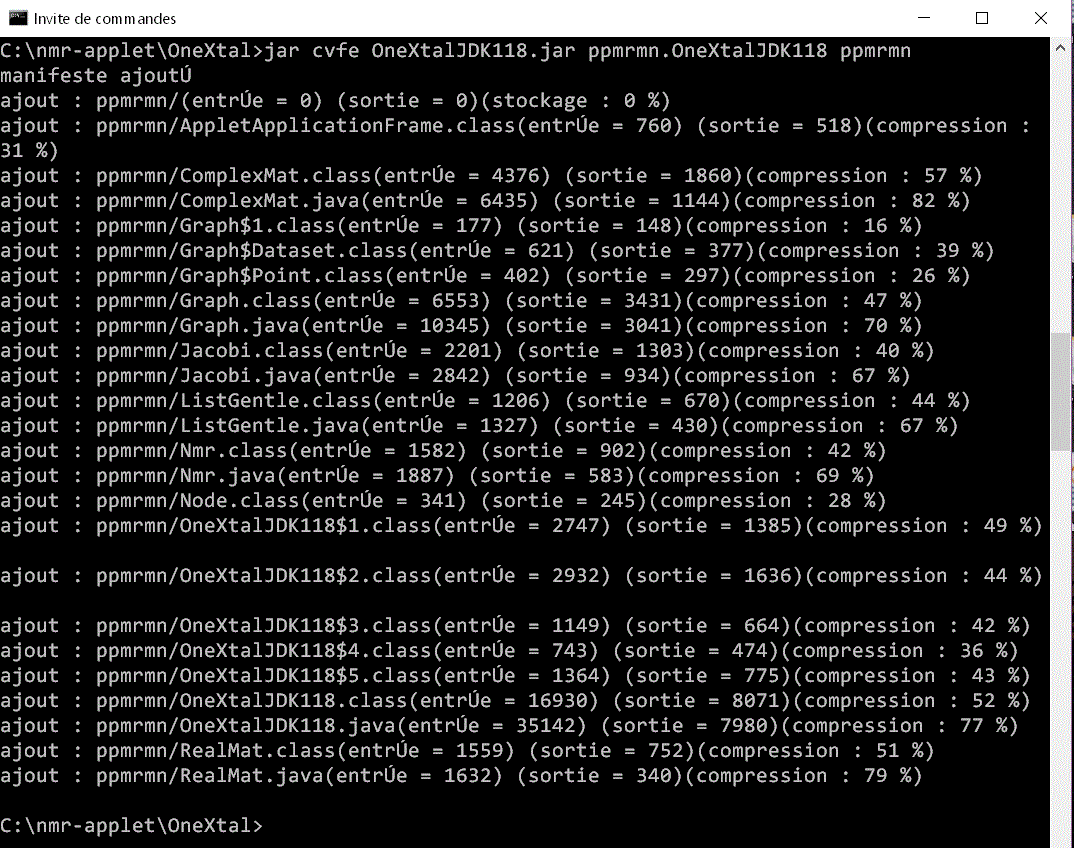
(6) We create an executable jar file, OneXtalJDK118.jar, in the OneXtal folder:
C:\nmr-applet\OneXtal>jar cvfe OneXtalJDK118.jar ppmrmn.OneXtalJDK118 ppmrmn
(7) We execute the jar file:
C:\nmr-applet\OneXtal>java -jar OneXtalJDK118.jar
The content of OneXtalJDK.jar can be examined with software such as 7-Zip File Manager.