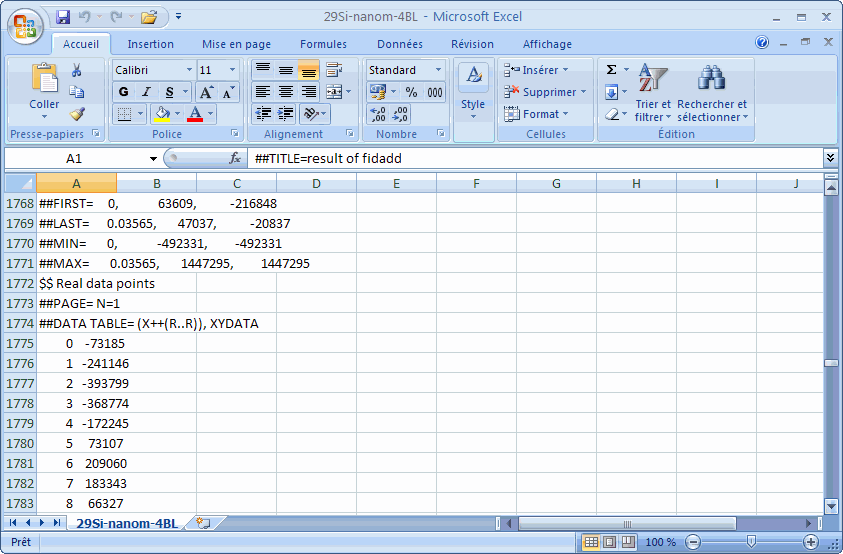
Converting two-column (separated by tab character) MS Excel2007 spread sheet document to two-series ASCII file in PRN format
- In Excel2007, click Save icon, a message appears:
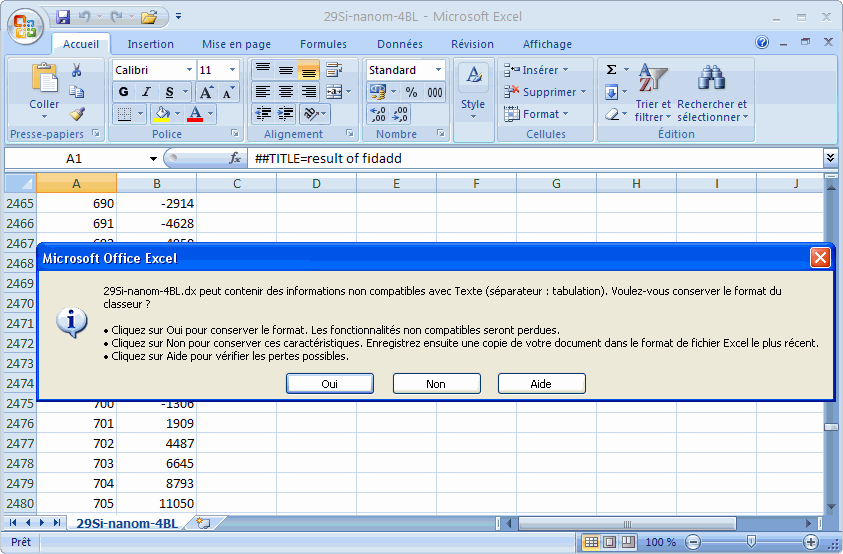
- Click No button:
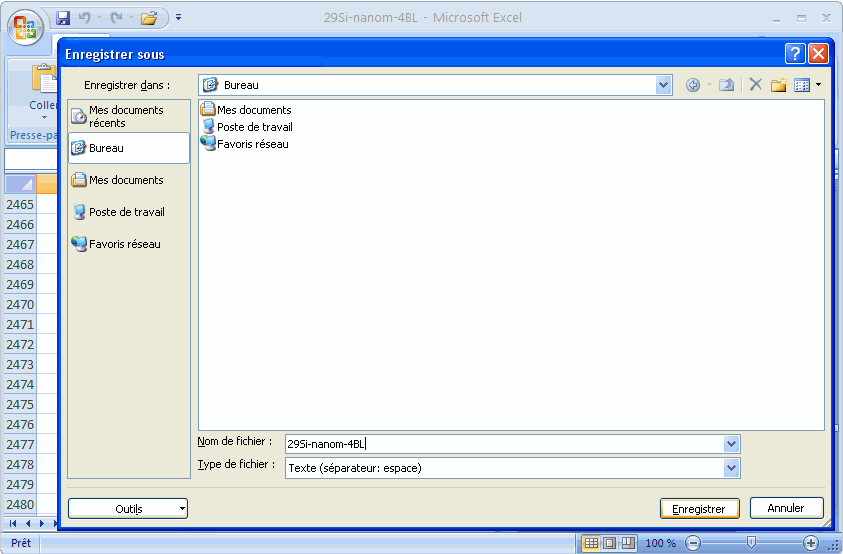
Choose the file type Text (separator: space); then click Save button.
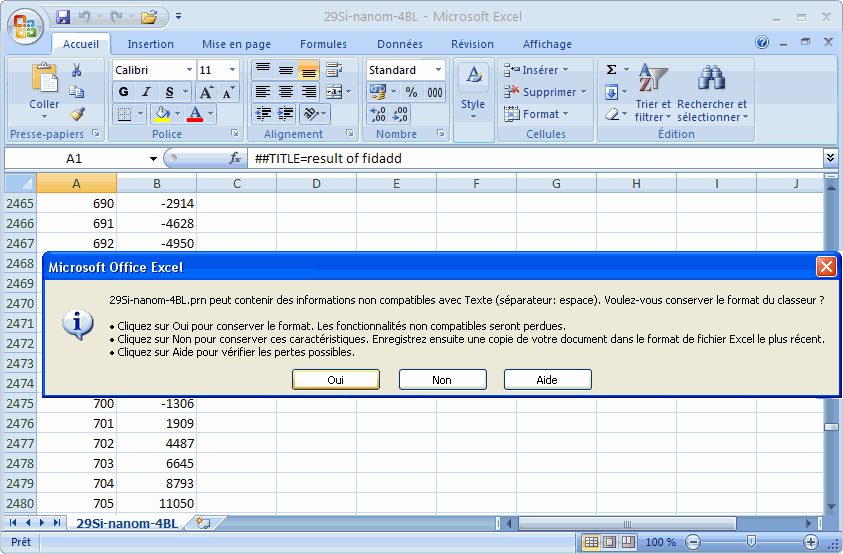
- The following message appears:
Click Yes button.
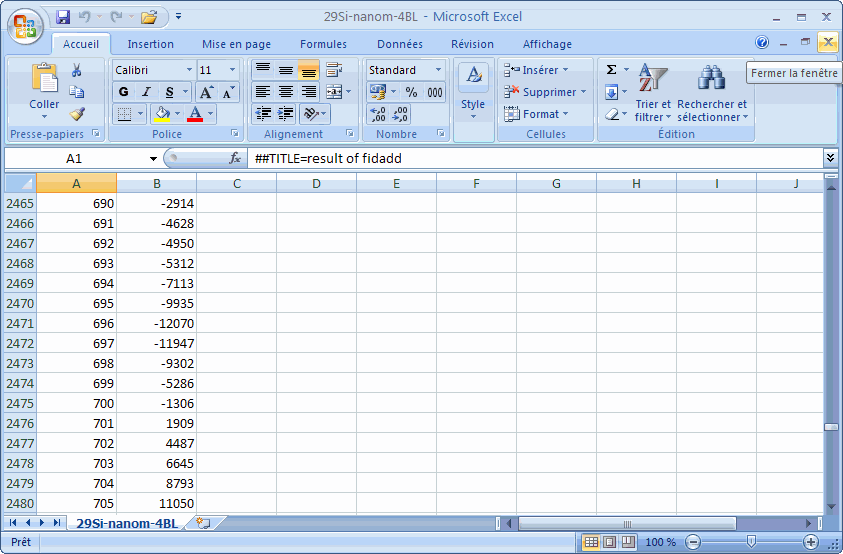
- Close the window:
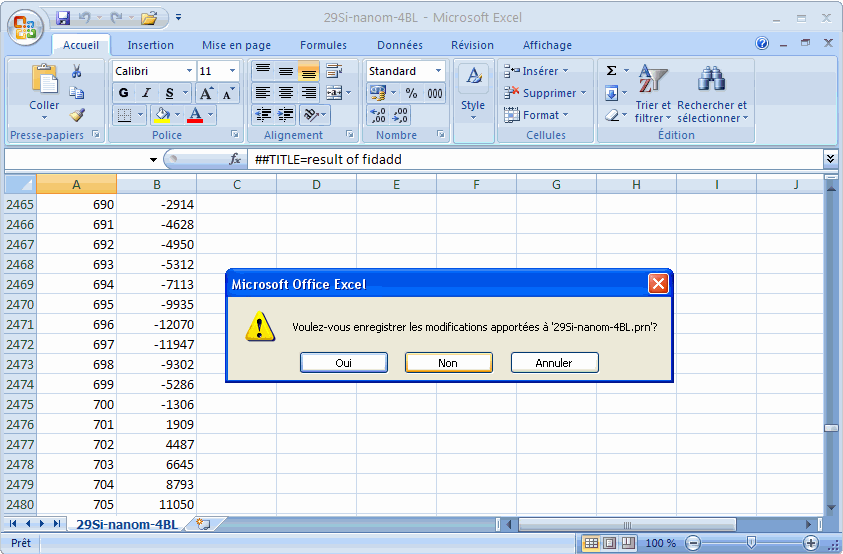
- The following message appears:
Click No button.
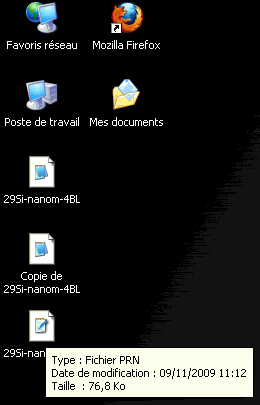
- A new file with the same name appears on the Desktop of Windows:
This new file has PRN format.
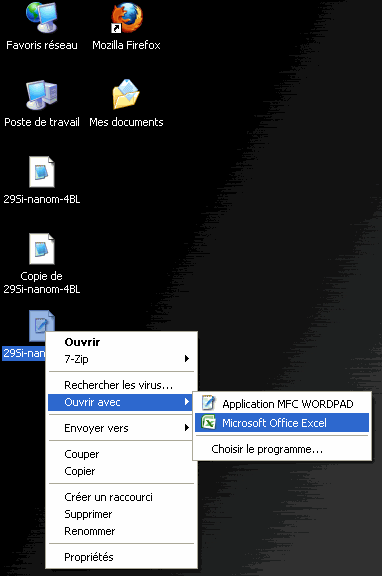
- Open with right-hand button the new file for Excel:
- The intensity data appear in a single column: