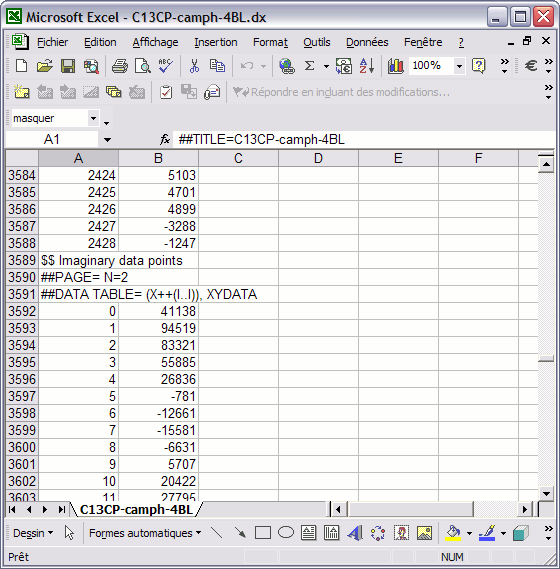
Converting two-series ASCII file to two-column spreadsheet document
- Open NoteTabLight, File > Open;
select the filename, then click Open button:
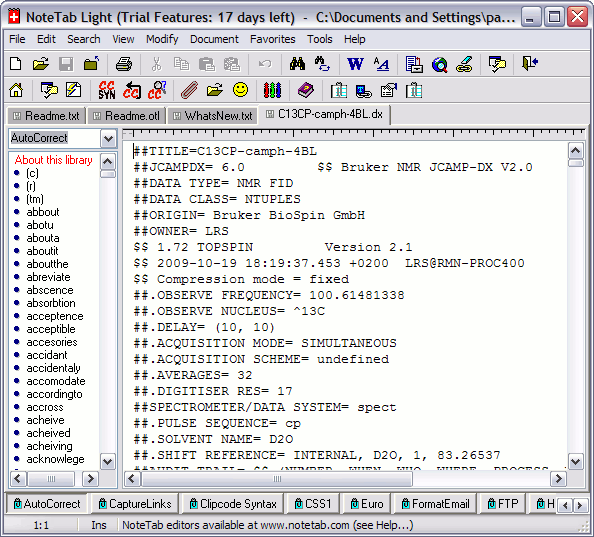
- Select the real FID data:
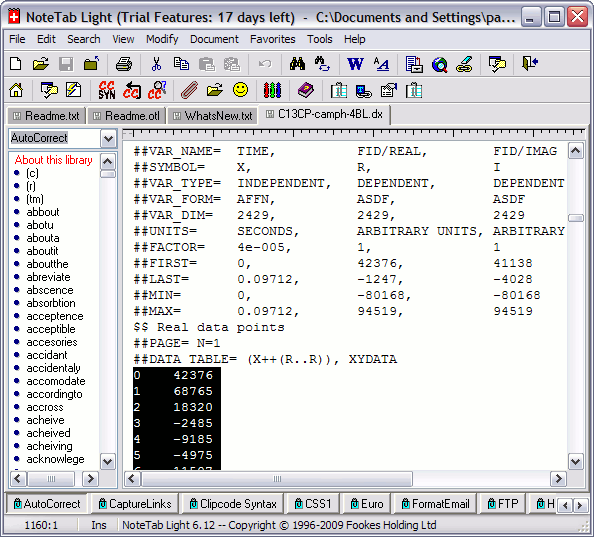
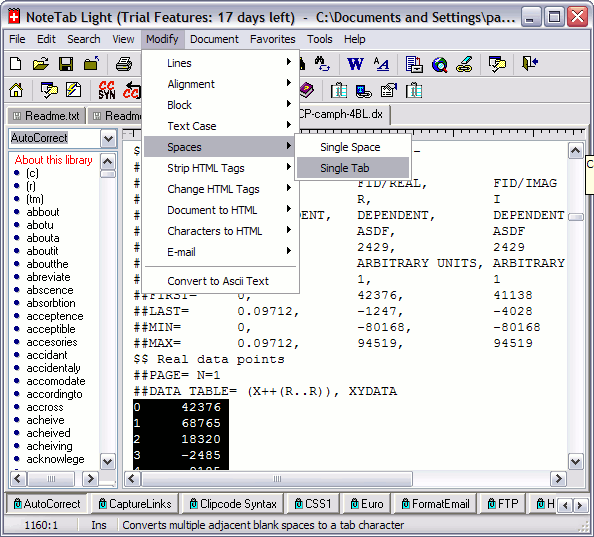
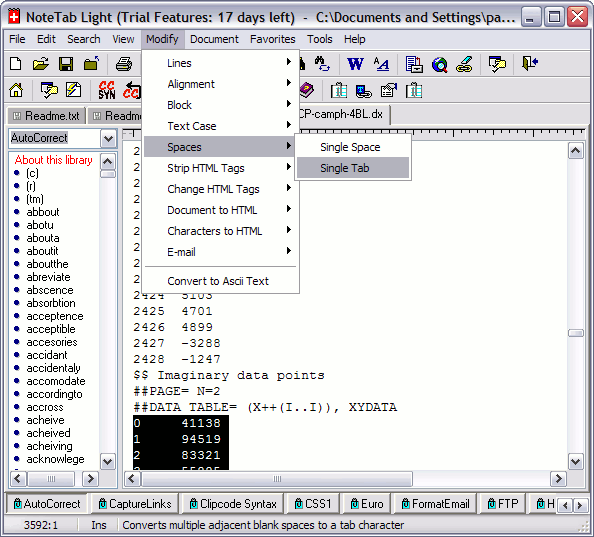
- Include a tabulation character between the intensity position and the intensity.
Modify > Spaces > Single Tab:
- Select the imaginary FID data. Include a tabulation character between
the intensity position and the intensity.
Modify > Spaces > Single Tab:
Save the file.
- Open the file with MS spreadsheet Excel by right-button click on the file icon: